
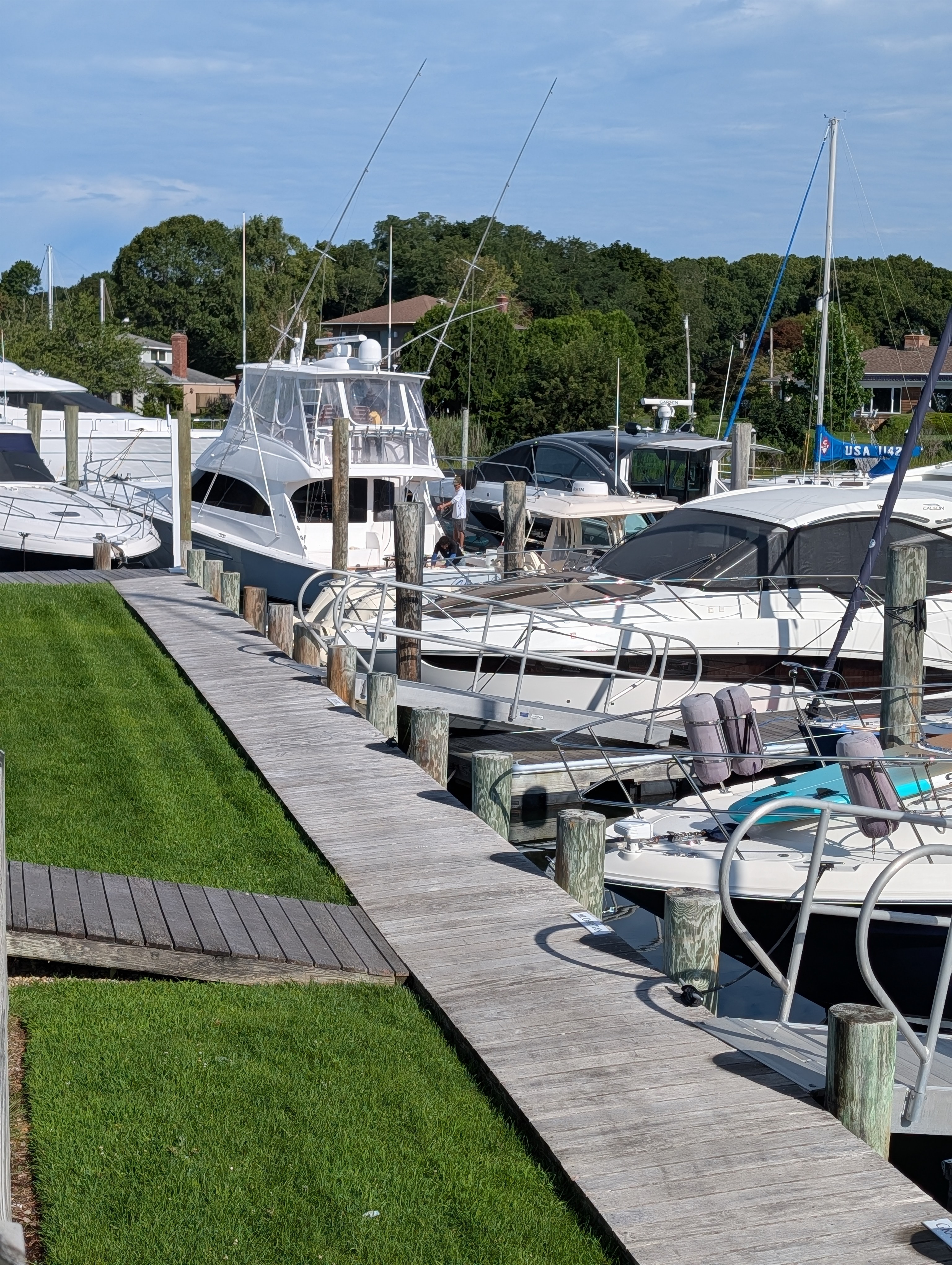
Dead zones at the end of the dock. Slip holders complaining about their Zoom call dropping again. Negative reviews that mention the wifi before the dock itself.
Marina operators know the patterns and most inherit them from a network that was never designed for a marine environment in the first place.
How you set up wifi at a marina isn’t like setting it up for a hotel, office, or even a campground. It has unique challenges like saltwater, metal masts, long dock runs, and seasonal load spikes, making it a wireless environment difficult to get right.
Because of this, we’ve put together an easy-to-follow guide on how to set up wifi at a marina. This way, you can deliver wifi that actually satisfies your customers.
Before setting up a single access point, you need to define what the network needs to accomplish.
You can do this by answering some questions:
Each question helps you understand who needs the wifi, where it needs to cover, what it needs to do, and at what scale it needs to be.
Once you have a basic understanding of your needs, analyze your property.
A proper site survey should map out:
This is the beginning of designing and planning your wifi. You know what you want; now you’re figuring out what type of setup you need based on your actual property.
The equipment you choose for marina wifi is a lot different from any other commercial setup. Whatever equipment you select, it must be protected from saltwater, UV, and humidity.
With a marina system, you’ll typically need the following:
How these components work together depends on your site. Some marinas run on a mesh layout, while others use a point-to-point or a completely custom design. The best marina wifi solutions depend on your needs discovered in step 1.
The design of the network is where most wifi solutions fall apart. You could have all the software and hardware for your needs. However, if it isn’t set up efficiently, it’ll show in the performance.
A professional design would include:
Before a single cable is installed, these should be documented in a layout diagram. This will ensure that, once installed, it’ll provide the solution you expect.
Security and access controls are a part of operating a marina, for example, cameras, gates, smart locks, payment systems, and so forth. Each one of these, however, is a potential weak point that can expose data, payment, or the property itself.
Because of this, plan to segment wifi traffic onto separate VLANs using WPA3 and captive portals for authentication. This keeps guest wifi isolated from payment systems, cameras, and internal operations, so a breach in one area can’t spread to another.
Marine conditions are harsh. That’s why ensuring your installation with these conditions in mind is important.
Consider the following when installing marina wifi:
By doing this, you improve the longevity of your investment. The last thing you want is to spend thousands of dollars on installation or equipment not designed for this type of environment.
Once your network is live, test it. Validate coverage and throughput at every slip under peak load, to see whether the installed wifi can handle it.
A proper test plan should cover:
Once the test confirms the network performs as designed, monitoring and maintaining it is the next step. Ongoing oversight through a Network Operations Center (NOC) is most recommended, unless you have an on-site team.
Organizations that offer such a service monitor your wifi network off-site. If any issues occur, they’ll be alerted and will try to solve the problem remotely. If not, a technician is deployed to come to the marina to fix the issue.
Installing marina wifi isn’t easy. Most who try to “DIY” it themselves end up installing the incorrect equipment or end up having an insufficient system. That’s why we recommend contacting us at Beacon Wifi.
For the last 20 years, we’ve helped marinas survey, install, and maintain their wifi system. Through understanding our clients' needs and carefully mapping out wifi design, we’re able to exceed our clients' expectations time and time again.
If you’re looking to upgrade your wifi and deliver the docking experiences your customers deserve, feel free to reach out. One of our professional technicians will be more than happy to perform an on-site survey to see how we can help.
We'll handle the infrastructure so you can run your operation without interruption.